
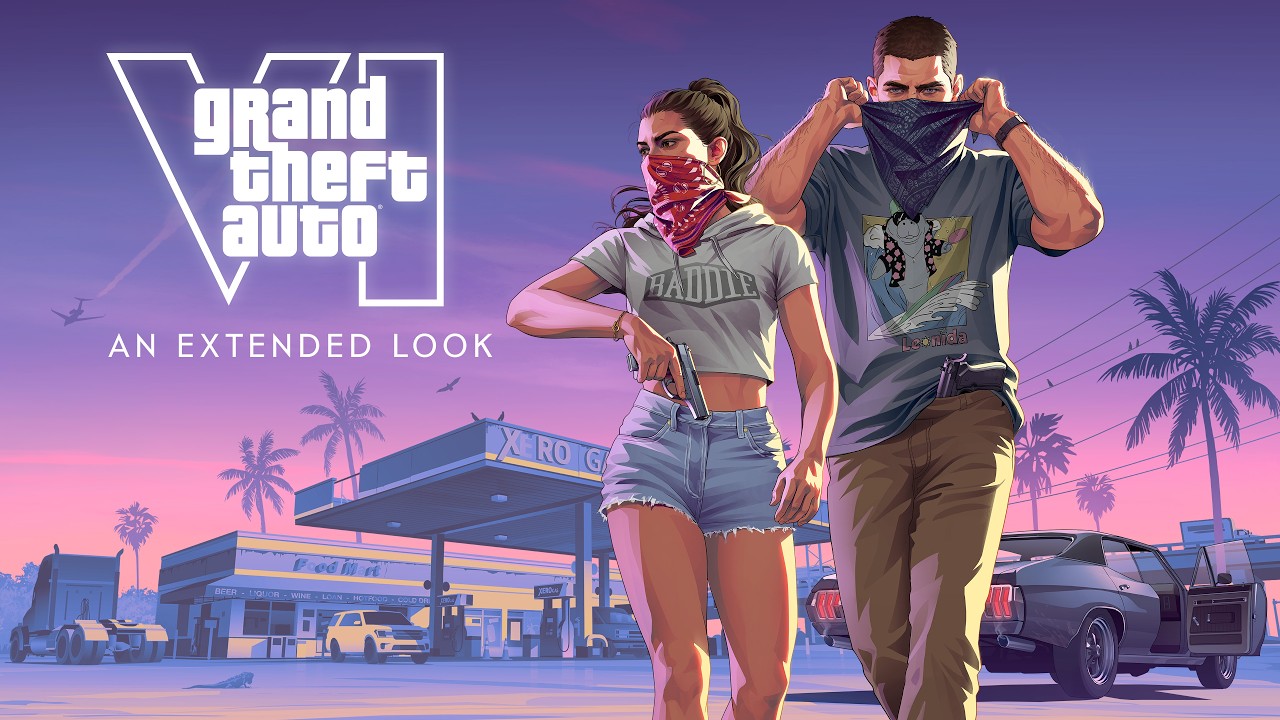
 FIELD NOTE · August 27, 2026GTA 6 Extended Look was captured entirely on PS5The platform detail behind the Extended Look, with capture hardware kept separate from frame-rate and final-performance claims.GTA6Bible report ↗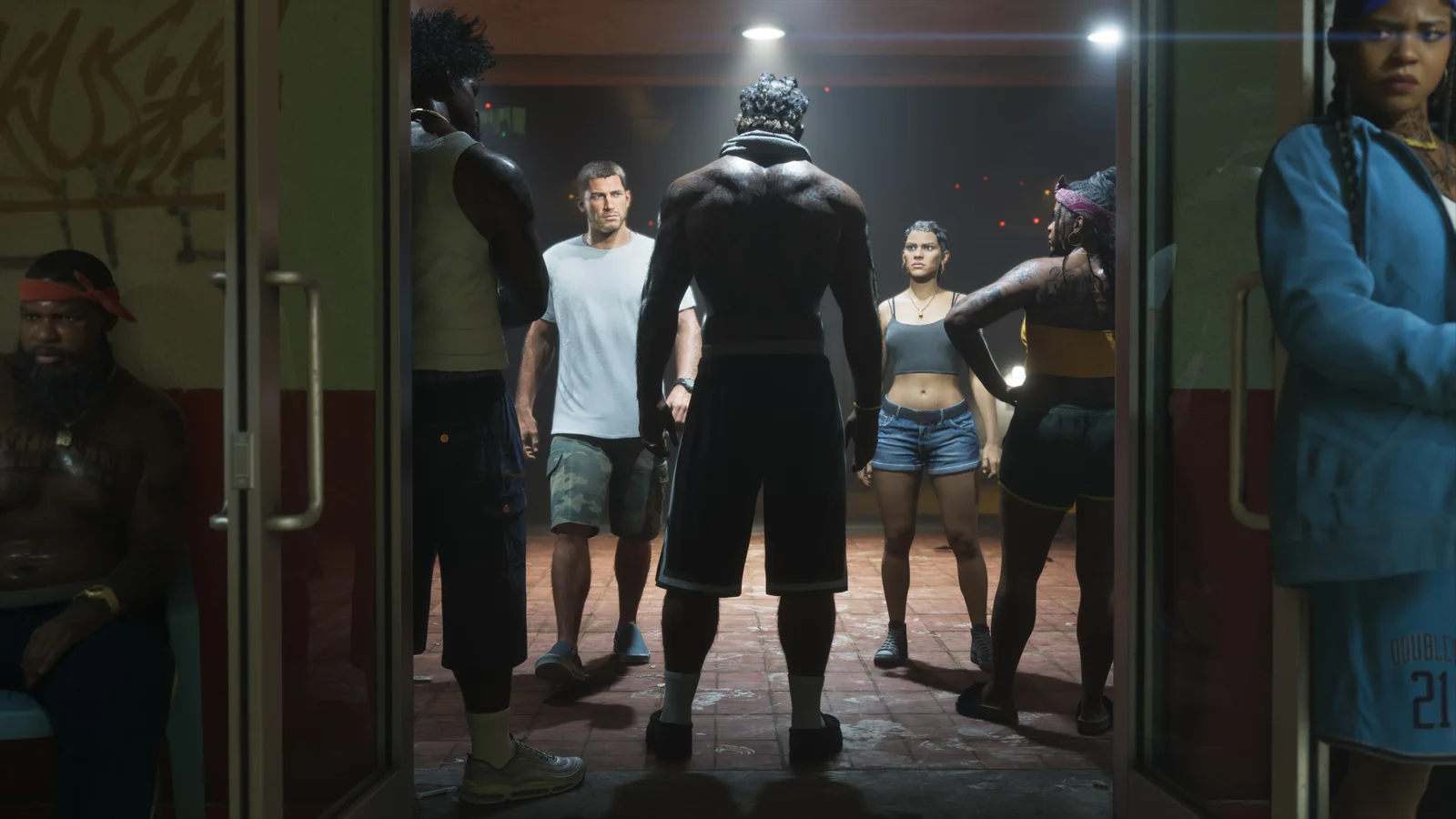
GTA 6 Extended Look was captured entirely on PS5
The platform detail behind the Extended Look, with capture hardware kept separate from frame-rate and final-performance claims.
Field Notes / 29What the release note says
The report highlights a Netflix press-release detail saying the Extended Look was captured in-game on PlayStation 5. That gives the footage a useful production context and confirms the stated capture platform for this presentation.
It does not establish whether the footage was captured on a base PS5 or PS5 Pro, nor does it confirm the final resolution, frame rate, quality mode or retail performance of GTA VI.
Read the footage at the right scale
The Extended Look remains a strong source for visible environments, characters, vehicles and activities. Hardware context helps explain the presentation; it should not be turned into a technical specification that the announcement did not provide.
The evidence ledger
The Extended Look’s stated PS5 capture context tells us which platform was used for that presentation. It does not identify every hardware configuration, final resolution, frame-rate mode, image-quality target or retail performance characteristic.
Why the distinction matters
That distinction helps players read the footage at the right scale. The video is strong evidence for visible environments, characters, vehicles and activities; the capture platform is production context, not a hidden specification sheet.
What would change the answer
A technical announcement, platform listing or measured review of the finished software would be the correct place to answer performance questions. Until then, avoid turning capture metadata into a promise about every console mode.
Read the signal in context
The key question in this entry is the PS5 capture context of the Extended Look and what that metadata cannot reveal about final performance. Start with the dated source record: identify the exact frame, statement or report carrying the detail, note when it appeared, and check whether a later update narrowed or changed the claim. That is the difference between a useful search lead and a dependable answer.
Read the surrounding scene before extracting a mechanic. Rockstar can show a character, prop, transition or reaction for atmosphere while leaving controls, progression and consequences unstated. Visual observation is valuable evidence, but the rule behind the image stays open until a stronger source describes it.
A practical player checklist
For players, the practical test is simple: keep visible world detail separate from resolution, frame-rate mode and retail hardware claims. Bookmark the cited media, note its platform and date, and revisit the page when a first-party update arrives. That workflow is more useful than copying a confident sentence into a wishlist because each conclusion remains easy to audit.
Compass separates confirmed information, sourced reporting and editorial inference in its metadata and related links. If a new trailer answers one part of the question but not another, update only the field that changed. The result stays useful for search readers, returning fans and players planning what to watch next.
SOURCE TRAIL
This page is an original editorial summary. Start with the official GTA VI page, then open the referenced coverage when the note discusses a report or commentary.